LOGIN

How to Use Claude AI to Build a Project Plan (Step by Step)

ai claude ai project management project plan project planning

Everyone is talking about AI. But most project managers are using it wrong.

They open Claude or ChatGPT, type "create a project plan for my new product launch," and paste whatever comes out into a document. Then they wonder why it feels generic, why stakeholders push back, and why the plan falls apart in execution.

Here is the problem: AI cannot think for you. It can only work with what you give it — and if you hand it vague input, you get vague output.

The good news is that when you use AI the right way — as a structured thinking partner, not a shortcut — it becomes one of the most powerful tools a project leader has. You move faster. You think more clearly. And you still own every decision.

In this post I will show you exactly how to use Claude AI to build a solid project plan, step by step, using the same framework I teach inside Project Plan Academy.

Why Most AI-Generated Project Plans Fail

Before we get into the how, let us talk about the why.

A project plan is not a document. It is a series of decisions — about what you want to achieve, who is involved, what needs to happen, in what order, and what could go wrong. Those decisions cannot be outsourced to an AI. They require your judgment, your knowledge of the stakeholders, and your understanding of the business context.

What AI can do brilliantly is help you structure your thinking, challenge your assumptions, generate options you have not considered, and turn your rough ideas into polished, professional output.

The key principle is this: you approve every step before moving to the next one.

Each phase of your project plan builds on the findings of the phase before it. You cannot ask Claude to write your Work Breakdown Structure before you have agreed on your objectives. You cannot build a risk register before you know your scope. The sequence matters.

This is exactly how I teach project planning — as a twelve-step process where each step is a decision checkpoint, not just a task to complete.

The GPS Framework: Your Starting Point

Before you type a single prompt into Claude, you need to get clear on three things. I call this the GPS Framework — because just like navigation, you cannot plot a route until you know where you are.

G — Goals What are you actually trying to achieve? This breaks into three types: your result goals (what does success look like?), your financial goals (what does this need to generate or cost?), and your time goals (what are the real deadlines?). Most project plans fail here because the goals are fuzzy. Claude will reflect your fuzziness back at you.

P — People Who is involved? This has three layers. First, you as the leader — what is your role, your authority, your blind spots? Second, your team — who is doing what, and what do they need to succeed? Third, your clients and stakeholders — who has influence over this project, who needs to approve it, who can block it?

S — Systems What tools, processes, and rules are already in place? What communication channels does your team use? What governance or compliance requirements apply? What templates or standards exist?

Getting clear on GPS before you open Claude means your prompts will be specific, contextual, and useful — instead of generic.

→ Not sure where you stand across Goals, People, and Systems? Download the free GPS Self-Assessment at www.projectleaderacademy.com/roadmap and find out where your strengths are — and where the gaps are.

Step-by-Step: How to Use Claude to Build Your Project Plan

Here is the process. Work through these in order. Do not skip ahead.

Step 1: Define and approve your project objectives

Start here. Before anything else.

Open Claude and give it the context it needs. The more specific you are, the better the output. Here is an example prompt structure:

"I am leading a project to [describe the project]. The business goal is [what success looks like]. The key deadline is [date]. The main stakeholders are [list them]. Help me draft clear, measurable project objectives for this project."

Claude will generate a set of objectives. Your job is not to accept them. Your job is to review them critically:

  • Are these the real goals, or are they what sounds good on paper?
  • Are they measurable — can you tell at the end whether you achieved them?
  • Have you validated these with your key stakeholders?

Only move to Step 2 once you have agreed on the objectives. This is your first decision checkpoint.

Step 2: Define the project scope

Now that your objectives are clear, you need to define what is in and what is out.

"Based on these objectives [paste them], help me define the project scope. What is included? What is explicitly excluded? What are the boundaries of this project?"

Scope definition is where most projects go wrong. Claude will help you think through what is in scope — but it is your job to make the hard calls about what you are deliberately leaving out. Scope creep starts here, and it starts with vagueness.

Again — approve this before moving on.

Step 3: Build your Work Breakdown Structure (WBS)

The WBS answers one question: what has to be done in order to achieve the objectives?

"Here are my approved objectives and scope [paste both]. Help me build a Work Breakdown Structure. Break the project into phases, then deliverables, then tasks. Keep it at three levels for now."

Claude is excellent at this step. It will generate a structured hierarchy quickly. Your job is to sense-check it:

  • Is anything missing?
  • Is anything included that is outside your approved scope?
  • Does the structure make sense for your team and context?

You can iterate. Ask Claude to add a phase, remove a deliverable, or restructure a section. This is the collaboration at its best — you are thinking together, not delegating blindly.

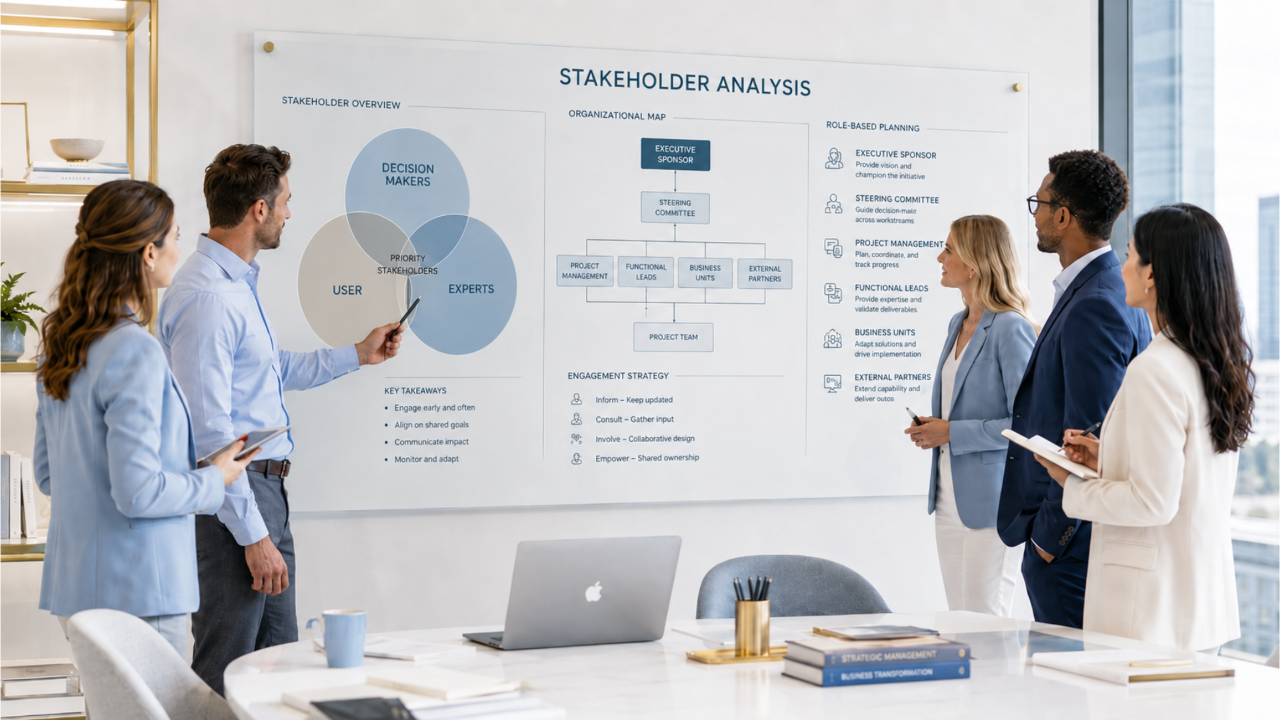
Step 4: Identify your stakeholders

Now bring in the P from GPS — People.

"Here is my project [paste objectives and WBS summary]. Help me identify all the stakeholders who should be involved, informed, or who have influence over this project. Use the categories: decision-makers, influencers, implementers, and affected parties."

Claude will generate a stakeholder list. Add anyone it misses. Remove anyone who is not relevant. Then use this as the foundation for your stakeholder analysis.

Step 5: Build your project timeline

With your WBS approved and your team identified, you can now sequence the work.

"Here is my Work Breakdown Structure [paste it]. My project start date is [date] and my deadline is [date]. Help me create a high-level project timeline. Identify dependencies between phases and flag any milestones that need stakeholder approval."

Claude will draft a timeline. You then need to sense-check it against reality:

  • Do you have the resources to hit these dates?
  • Are there external dependencies Claude does not know about?
  • Have you built in review and approval time at each checkpoint?

This is where your judgment is irreplaceable. Claude does not know your organisation. You do.

Step 6: Build your risk register

"Based on this project plan [paste objectives, scope, WBS, and timeline], help me identify the top risks to this project. For each risk, give me: the risk description, the likelihood (high/medium/low), the impact (high/medium/low), and a suggested mitigation action."

Claude will generate a solid starting risk register. Your job is to add the risks only you know about — the political risks, the people risks, the history of this type of project in your organisation.

A risk register only has value if it is honest. AI gives you the obvious risks. You add the real ones.

Step 7: Define your communication plan

Back to GPS — Systems. How will information flow?

"Here are my stakeholders [paste list] and my project timeline [paste]. Help me build a communication plan. For each stakeholder group, define: what information they need, how often, in what format, and who is responsible for delivering it."

This step is often skipped. It is never optional. Poor communication is the number one reason projects lose stakeholder support — and stakeholder support is what keeps your project funded and prioritised.

A Note on Uploading Your Own Templates

One approach I highly recommend: upload your existing project plan templates directly into Claude before you start prompting. Claude can read Google Doc exports, Word files, and PDFs.

When you give Claude your template as context, it stops generating generic output and starts filling in your specific structure. This is what moves Claude from a tool anyone uses to a tool that works the way you work.

The fastest way to get a professional template into Claude? Use the Project Planning Template Kit — a complete set of ready-to-use project planning templates covering every phase from objectives through to risk management and communication planning. Upload any template from the kit directly into Claude and immediately get AI output that fits your professional standards, not a generic AI format.

The Bigger Picture: AI as Your Thinking Partner

Notice what happened across those seven steps. Claude generated options, structures, and drafts. But at every single step, you made the decisions. You approved the objectives. You defined the scope boundaries. You added the stakeholders Claude missed. You reality-checked the timeline.

This is not AI replacing your thinking. This is AI accelerating your thinking — so you can do in hours what used to take days, without losing the confidence that comes from knowing you understand every decision in your plan.

This matters especially when you present your plan to executives or clients. You can defend every element because you built it. The AI helped you structure and express it. You did the thinking.

The project leaders who will thrive in the next five years are not the ones who hand everything to AI. They are the ones who know how to think, how to make decisions, and how to use tools like Claude to move faster and communicate more clearly.

Your Next Steps

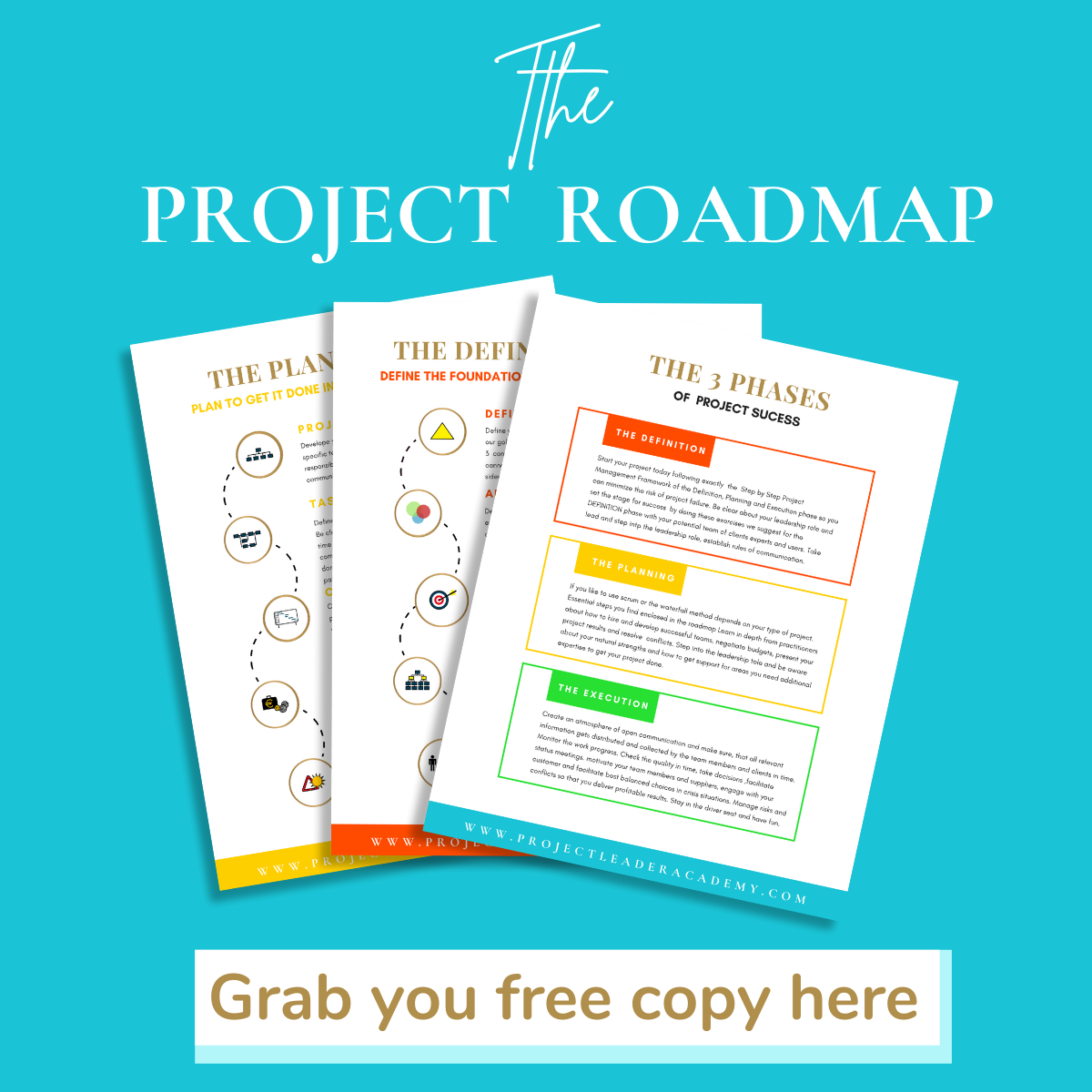
Get the free foundation: Download the Project Roadmap at www.projectleaderacademy.com/roadmap. It walks you through the three-phase planning process — Definition, Planning, and Execution — and gives you the structure to start using Claude intelligently on your next project.

Get the templates: The Project Planning Template Kit gives you professional, ready-to-use templates for every step in this post. Upload them into Claude and skip the blank-page problem entirely.

Get the full system: Project Plan Academy gives you all twelve steps in detail, with templates, prompts, and examples you can use immediately. Built for consultant entrepreneurs, founders, and B2B sales professionals who need to plan and win complex projects — and who want AI to accelerate the process without replacing their judgment.


Thea Brockmeyer is a project leadership expert and the founder of Project Leader Academy. With over 20 years of experience working with Fortune 500 companies across multiple countries, she helps consultant entrepreneurs, founders, and B2B sales professionals plan, lead, and win complex projects.

How to Use Claude AI to Build a Project Plan (Step by Step)

How Do You Create a Compelling Future When the World Feels Unstable?

Values: The Ultimate Guide to Personal, Team & Organizational Align...

The Four Conversations Every Leader Must Master